
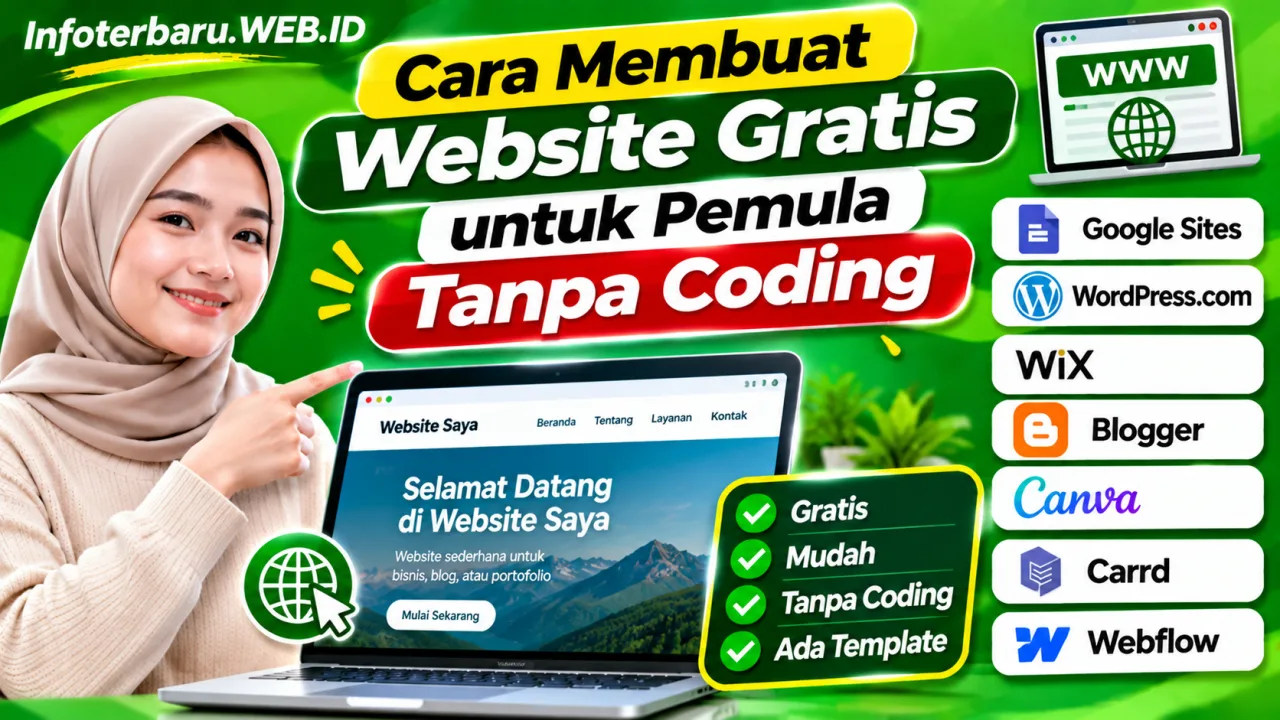
Creating your own website no longer requires programming skills or a large budget. Anyone can build a free website using website builder platforms that provide templates, page layout features, and hosting services.
Websites can be used for various needs, such as creating personal blogs, introducing businesses, showcasing portfolios, sharing information, and promoting products online.
For beginners, several platforms allow website creation without having to understand HTML, CSS, or other programming languages. Users simply need to create an account, choose a design, fill in content, and publish the website.
Here are several ways to create a free website without coding using internet-accessible services.
7 Platforms to Create a Free Website Without Coding
1. Google Sites
Website: https://sites.google.com/
Google Sites is a website builder service from Google suitable for beginners. Users can build web pages by arranging text, images, videos, and various elements without writing programming code.
Google Sites can be used to create profile websites, information pages, activity documentation, school websites, and simple project pages.
To start creating a website using Google Sites, follow these steps:
- Open the Google Sites website.
- Sign in using a Google account.
- Choose a template or start with a blank page.
- Enter the website name and title.
- Add the necessary text, images, videos, and pages.
- Adjust the website appearance as needed.
- Click the Publish button to publish the website.
Google Sites is suitable for simple websites that prioritize ease of management. However, its design choices and technical settings are not as comprehensive as professional website development platforms.
Suitable for: School websites, organizational profiles, documentation, and information pages.
2. WordPress.com
Website: https://wordpress.com/
WordPress.com is a platform for creating blogs and websites without needing to manage your own server. This service provides a visual editor that allows users to add text, images, videos, and various page elements.
WordPress.com offers a free plan that can be used to start a website. Users get a WordPress.com subdomain address and basic features to publish articles and pages.
Here is how to create a website using WordPress.com:
- Open the WordPress.com website.
- Create an account using email or available registration methods.
- Choose the type of website you want to create.
- Determine the website name and subdomain address.
- Choose an available theme or design.
- Create pages such as Home, About Us, and Contact.
- Start writing articles through the WordPress editor.
- Publish the website after all information is ready.
WordPress.com is suitable for users who want to build blogs, article websites, portfolios, or simple business pages. The free plan has storage and feature limits, while custom domain usage and additional features require a paid plan.
Suitable for: Personal blogs, article websites, portfolios, and simple business websites.
3. Wix
Website: https://www.wix.com/
Wix is a website builder platform that provides a visual editor with a drag-and-drop system. Users can arrange the position of text, images, buttons, and page elements without understanding programming languages.
Wix provides various templates for business, restaurant, photography, portfolio, store, and personal website needs. Users can also utilize AI features to help create an initial website draft.
The steps to create a website on Wix are as follows:
- Visit the Wix website.
- Create an account using email or available accounts.
- Choose the type of website you want to create.
- Choose a template or use the AI-based website builder feature.
- Adjust the design, colors, text, and images.
- Add the necessary pages.
- Check the website appearance on computers and mobile devices.
- Publish the website using the address provided in the free plan.
Wix provides free access to create and publish websites. However, the free plan has limitations, including the use of a Wix address and platform branding. Custom domains and several business features require a paid plan.
Suitable for: Business websites, portfolios, business profiles, and promotional pages.
4. Blogger
Website: https://www.blogger.com/
Blogger is a blogging platform from Google that can be used to create article websites for free. Users do not need to buy hosting separately to start publishing writing.
This platform is suitable for beginners who want to build news blogs, tutorials, educational information, personal experiences, or websites containing regular articles.
Here are the steps to create a website using Blogger:
- Open the Blogger website.
- Sign in using a Google account.
- Select Create Your Blog.
- Enter the blog name.
- Determine an available blog address.
- Choose a suitable template.
- Open the New Post menu to create the first article.
- Add a title, text, images, and supporting information.
- Click Publish to publish the article.
Blogger provides a blogspot.com subdomain address. Users can also connect their own custom domain according to available settings. This platform is quite practical for article-based websites and does not require users to manage their own servers.
Suitable for: Personal blogs, news websites, tutorials, and article publications.
5. Canva Website
Website: https://www.canva.com/website-builder/
Canva is not only used to create poster designs and social media content. This platform also provides features to create and publish simple websites.
Users can utilize available design templates, then replace text, images, colors, and visual elements as needed.
How to create a website using Canva:
- Open the Canva website.
- Sign in using your account.
- Search for the Website feature on the main page.
- Choose a template that matches the website's purpose.
- Replace the text, images, and design elements.
- Add contact information or necessary links.
- Check the website appearance.
- Use the Publish Website feature to publish the page.
Canva is suitable for creating single-page websites or simple landing pages. Some design features and publishing options may depend on the type of account used.
Suitable for: Portfolios, business profiles, online invitations, and landing pages.
6. Carrd
Website: https://carrd.co/
Carrd is a website builder platform focused on single-page or one-page websites. Users can create profile pages, portfolios, promotional pages, and product introduction pages without writing code.
Carrd provides various customizable templates. Users simply choose a design, modify the content, and publish the page through the service.
Steps to create a website using Carrd:
- Visit the Carrd website.
- Choose an available template.
- Adjust text, images, and page elements.
- Add profile or business information.
- Customize colors and design appearance.
- Create an account if necessary to save the project.
- Publish the website according to the available address options.
Carrd offers a free option to create simple websites. However, additional features such as custom domain usage and several integrations are available in the paid plans.
Suitable for: Portfolios, profile pages, product promotions, and single-page websites.
7. Webflow
Website: https://webflow.com/
Webflow is a visual website creation platform that provides more detailed design controls. Users can adjust layouts, element sizes, colors, typography, and page appearance through a visual editor.
Although it has more complete features, Webflow can still be used without writing code for basic design processes. This platform is suitable for users who want to learn website design more deeply.
How to create a website using Webflow:
- Open the Webflow website.
- Create a new account.
- Choose a template or start from a blank project.
- Arrange the page structure through the editor.
- Add text, images, buttons, and other elements.
- Customize the design for desktop and mobile device displays.
- Check the design results before publishing.
- Publish the website using the Webflow address available in the chosen plan.
Webflow provides a free starting option with certain limitations. The use of custom domains, advanced CMS features, and professional website requirements may require a paid plan.
Suitable for: Professional portfolios, landing pages, and learning website design.
Comparison of Free Website Builder Platforms
Each platform has advantages and limitations. The following table can help determine the service that suits your needs.
| Platform | Main Function | Website Type |
|---|---|---|
| Google Sites | Simple page creation | Information and organizational websites |
| WordPress.com | Blogs and article publication | Blogs and content websites |
| Wix | Visual drag-and-drop design | Business and portfolios |
| Blogger | Article publication | Blogs and news websites |
| Canva | Simple website design | Landing pages and profiles |
| Carrd | Single-page websites | Profiles and promotions |
| Webflow | Visual website design | Portfolios and landing pages |
Please note that the free plan of each platform has different terms. Some services use subdomains, display platform branding, or limit storage and specific features.
Steps to Create a Free Website from Scratch
If you are a beginner, the website creation process can start with simple planning. You do not need to immediately build a website with many pages or complicated features.
1. Determine the Website Purpose
First, determine the purpose of the website you want to create. Is it for a personal blog, business, portfolio, school, organization, or online store?
This purpose will help determine the most suitable platform and design.
2. Choose a Website Platform
After determining the purpose, choose a platform that provides features matching your needs. Blogger and WordPress.com are suitable for article publication, while Google Sites can be used for simple information pages.
3. Determine the Website Name
Choose a website name that is easy to remember, short, and relevant to the topic. If the website is used for business, you should use a name related to the brand or enterprise.
4. Choose a Design or Template
Use a design that is simple and easy to read. Pay attention to color choices, font sizes, navigation menus, and mobile device displays.
5. Create Important Pages
A website should ideally have pages that help visitors understand its content and purpose.
- Home: The main page explaining the website content.
- About Us: Information regarding the owner, organization, or business.
- Contact: Information to contact the website administrator.
- Privacy Policy: Explanation of visitor data management if necessary.
- Articles or Products: Main content according to the website's purpose.
6. Fill the Website with Quality Content
Content is an important part of a website. Use clear writing, relevant images, and information that genuinely helps visitors.
If the website is built for business, display product information, services, prices if available, and how to contact the business owner.
7. Check and Publish the Website
Before publishing the website, review all pages. Ensure links open correctly, images display well, and text is easy to read.
Once everything is ready, use the Publish button available on the platform.
Can a Free Website Use Its Own Domain?
Free websites usually use a subdomain address from the service provider. For example, a website might have an address ending in wordpress.com, blogspot.com, or a specific address from the website builder service.
If you want to use your own address like businessname.com, users generally need to buy or own a domain and connect it to a platform that supports that feature.
Therefore, it is important to distinguish between a free website and a free domain. Hosting or website builders may be available at no cost, but custom domain names generally require payment.
Can a Free Website Appear on Google?
Free websites still have the opportunity to be discovered through search engines like Google. However, website appearance in search results does not happen automatically right after a page is published.
There are several things to consider so that your website is easier to find:
- Use page titles that match the content.
- Create page descriptions that briefly explain the topic.
- Publish useful content with clear information.
- Use an organized heading structure.
- Add internal links between pages if relevant.
- Ensure the website is accessible via mobile devices.
- Check settings to ensure pages you want search engines to find are not blocked.
If the platform supports Google Search Console integration, website owners can use it to monitor search performance and page indexing status.
Pros and Cons of Creating a Free Website
Creating a free website has several advantages, especially for beginners who want to learn before spending money.
Advantages
- No need to immediately pay hosting fees.
- No need to understand programming languages.
- Templates are available for use.
- Can be used to learn website management.
- Suitable for personal projects and business experiments.
Disadvantages
- Website addresses usually use platform subdomains.
- Some services display ads or branding.
- Design and layout settings may be limited.
- Storage capacity and usage may have limits.
- Certain professional features require subscriptions.
Tips for Choosing a Website Platform for Beginners
Before creating a website, consider long-term needs. Do not choose a platform just because it is free, but also check available features and ease of future website development.
- Use Blogger or WordPress.com if you want to publish articles regularly.
- Choose Google Sites if you need simple information pages.
- Use Wix if you prioritize visual design customization.
- Choose Canva to create landing pages with graphic displays.
- Use Carrd if you only need a single-page website.
- Consider Webflow if you want to learn website design more deeply.
Also, make sure to read the terms of service, privacy policy, and usage rules of the free plan before starting.
Creating a free website without coding can be done using various platforms like Google Sites, WordPress.com, Wix, Blogger, Canva, Carrd, and Webflow.
Each platform has its respective functions and advantages. Blogger and WordPress.com are suitable for article publication, Google Sites for information websites, while Wix and Canva can be used to create business pages or portfolios.
A free website is a good choice for beginners who want to learn to build an online presence. As needs grow, website owners can consider using a custom domain and paid features as needed.
Frequently Asked Questions About Creating a Free Website
Do you need to know coding to create a free website?
No. Several platforms provide visual editors and templates so users can build websites without understanding programming languages.
What free website platforms are suitable for beginners?
Google Sites, Blogger, WordPress.com, and Wix can be options. The best platform depends on the type of website you want to create.
Can a free website be used for business?
Yes. Free websites can be used to introduce businesses, showcase portfolios, and share product information. However, certain business features may require a paid plan.
Can a free website use a .com domain?
Generally, using a .com domain requires purchasing a domain and domain-linking support features from the platform used.
Can a free website appear on Google?
Yes. Free websites can be found through Google as long as the pages are accessible and meet indexing requirements. However, there is no guarantee every page will instantly appear in search results.
Can a free website make money?
Some platforms support monetization features or third-party service integration. However, users need to check platform terms, ad program requirements, and free plan limitations before using them.